The classic Monster Hunter games, running natively on PC.
MHForever is a project of unofficial ports made by static recompilation. Freedom Unite plays today, and more games will follow. No emulator, any controller, and a launcher that sets everything up from your own copy.
- Playable today
- European release, ULES01213
- Latest release on GitHub
- Open source, GPL-3.0
Requires your own copy of the game. No game files are included or downloaded.
A native program, not an emulator
The game's code is translated ahead of time into native PC code, and the console's system services are re-implemented. The result is a normal Windows program that runs the game directly, with a modern launcher around it.
Native, not emulated
No emulator runs in the middle. That is what makes higher resolutions, any controller and, later, online play practical.
Your copy, your files
MHForever never includes or downloads game assets. Everything is read from the disc image you provide, and your saves stay on your computer.
Built to grow
Each game is a module on a shared runtime. Freedom Unite is the first one. More games and regions are planned.
Current games
The classic Monster Hunter titles and where each one stands. Colour means it runs today.
- Fully implemented
- Partially implemented
- Planned
- Not implemented
-
 Monster Hunter
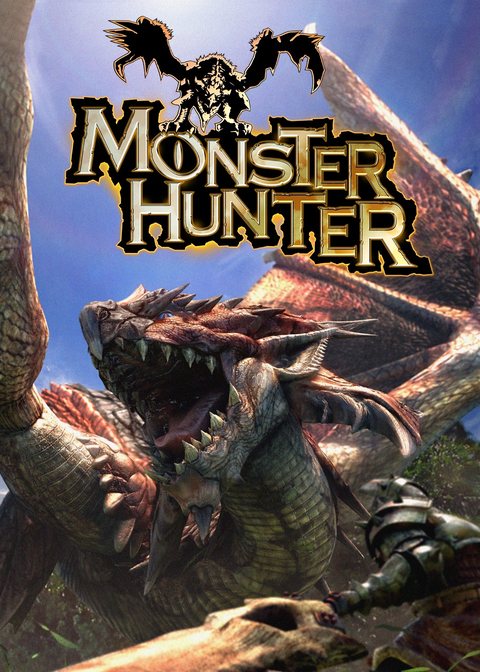 Monster HunterNot implemented
 -
Monster Hunter G
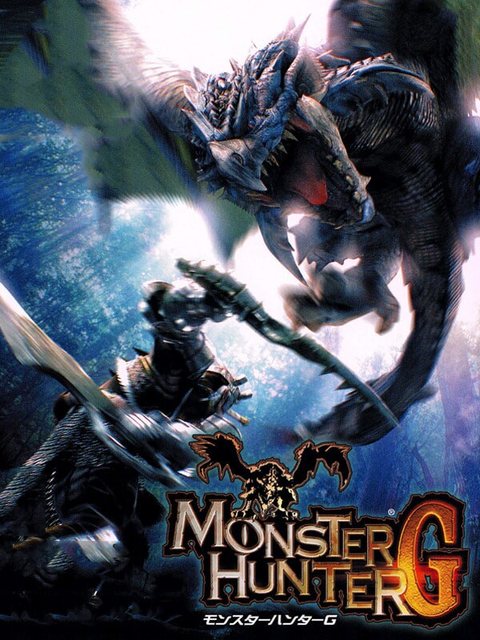 Monster Hunter GNot implemented
 -
Monster Hunter Freedom
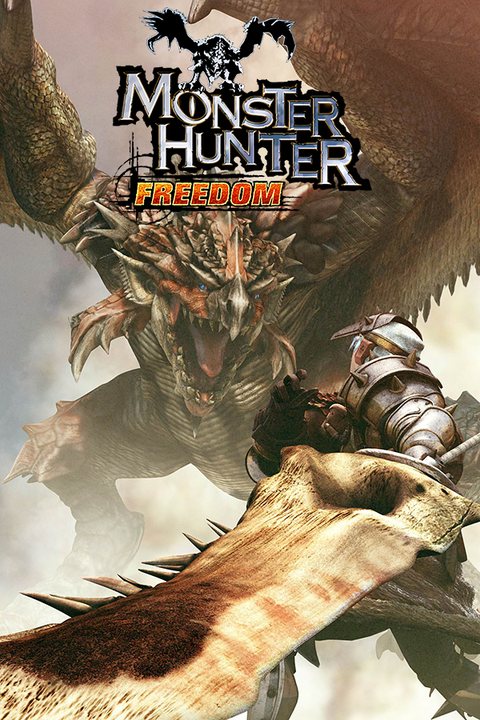 Monster Hunter FreedomNot implemented
 -
Monster Hunter 2 (dos)
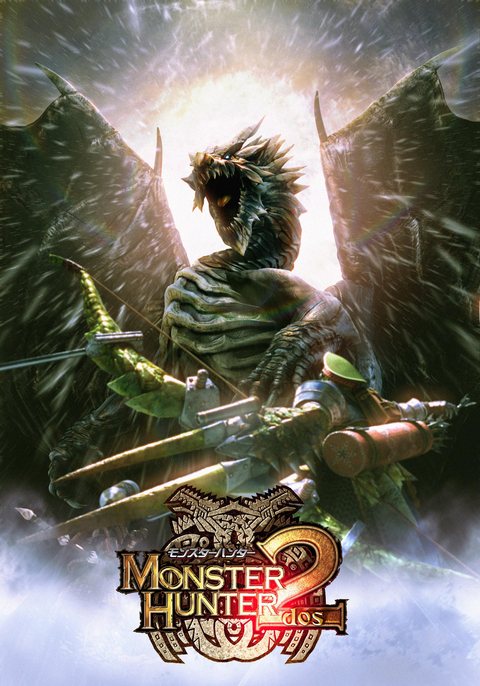 Monster Hunter 2 (dos)Not implemented
 -
Monster Hunter Freedom 2
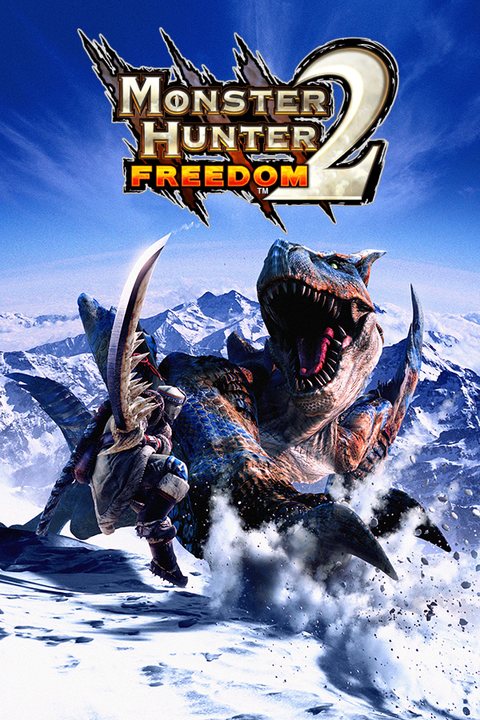 Monster Hunter Freedom 2Not implemented
 -
Monster Hunter Freedom Unite
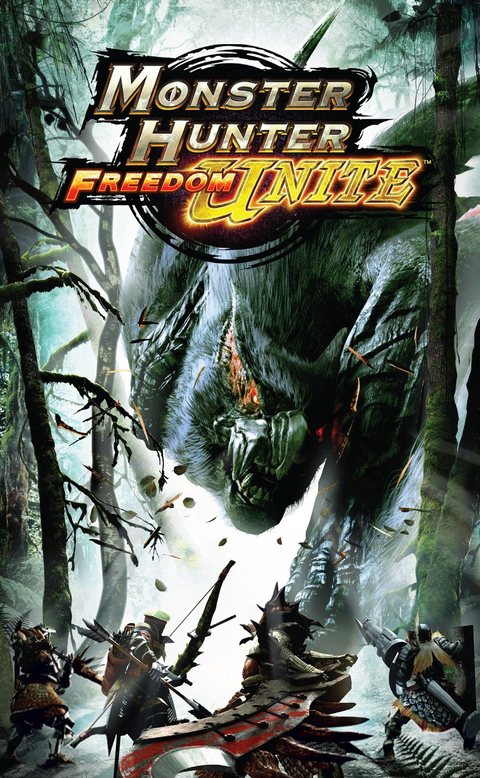 Monster Hunter Freedom UnitePartially implemented
 -
Monster Hunter Tri
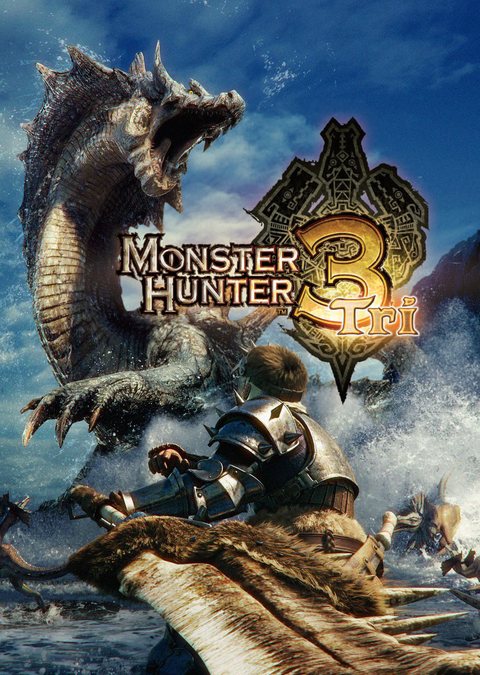 Monster Hunter TriNot implemented
 -
Monster Hunter Portable 3rd
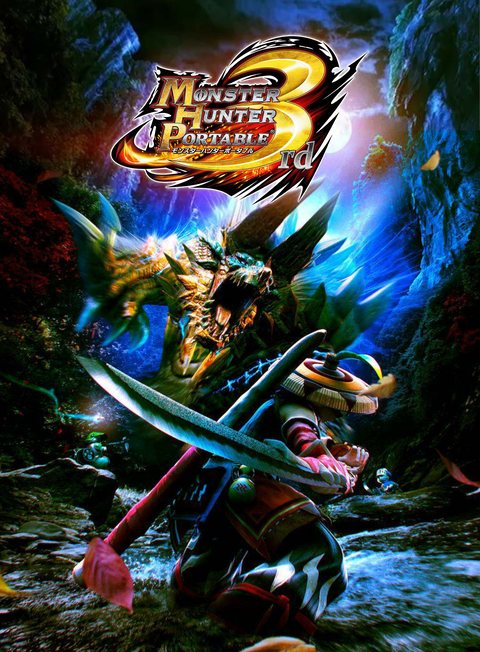 Monster Hunter Portable 3rdNot implemented
 -
Monster Hunter 3 Ultimate
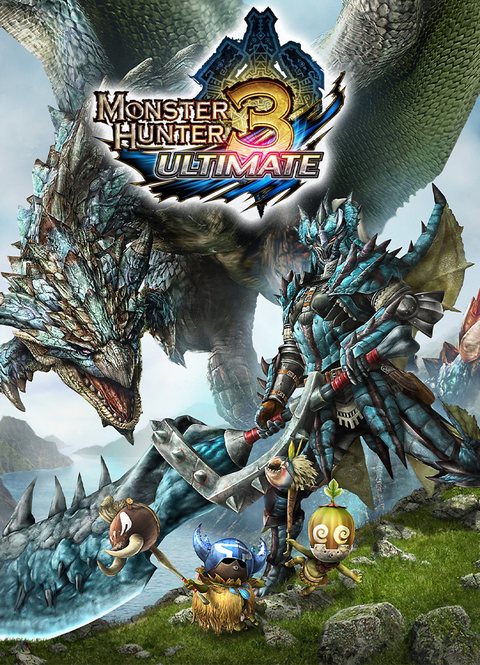 Monster Hunter 3 UltimateNot implemented
 -
Monster Hunter 4 Ultimate
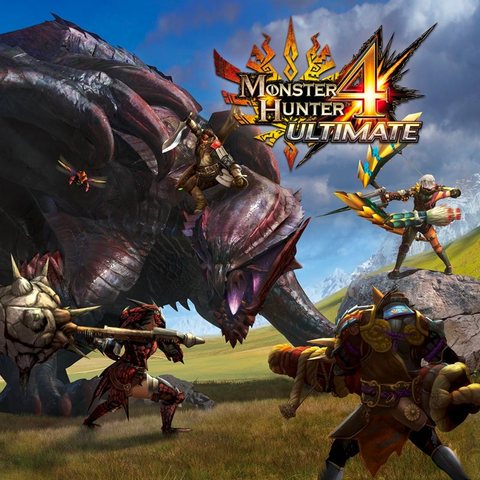 Monster Hunter 4 UltimateNot implemented
 -
Monster Hunter Generations Ultimate
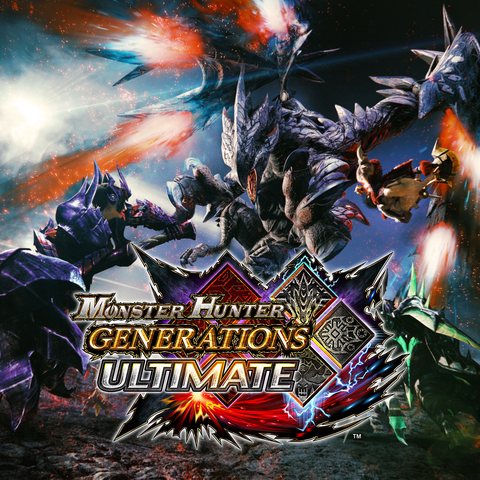 Monster Hunter Generations UltimateNot implemented
Monster Hunter and its game covers belong to Capcom. They are shown only to identify each game. MHForever is not affiliated with Capcom.
From your disc image to playing
Four steps, all inside the launcher. No development tools.
 MHForever.exeUnzipped
Unzip it anywhere and open MHForever.exe.
Bring your game.
Add your own copy and play it natively on PC.
Add my copyChecking your copy
- Disc image checked
- Game prepared on this PC
- Nothing is uploaded
Monster Hunter Freedom Unite
European release, ULES01213
PlaySmoother than the original
The original game runs at 30 frames per second. Since version 0.2.0 MHForever can draw extra frames in between, up to 180 fps, so motion looks smoother on a fast screen. Compare the options.
Experimental Choose it in the launcher Settings. Busy scenes may not hold the highest rates. On a 60 Hz screen, anything above 60 looks the same as 60.
30 frames per second
Where the project is today
It is early software. The game boots and can be played, but expect rough edges and bugs. Reports are welcome.
Report a problem- Playable game
- Monster Hunter Freedom Unite (PSP), European release, known in Japan as Monster Hunter Portable 2nd G. It is the only game for now.
- Frame rate
- 30 fps like the original console, or 60 to 180 fps with frame interpolation (experimental).
- Online play
- Not available yet. Internet multiplayer is being designed.
- Platforms
- Windows, 64-bit. Linux and Steam Deck are planned.
- Controllers
- Gamepads work out of the box. Tested with a PS5 DualSense. Other pads recognized by SDL should work.
- Resolution
- Several times the original 480×272, with an optional smoother texture filter.
- Other games and regions
- The US and Japanese releases of Freedom Unite and other games of the series are planned.
Mission
Make Monster Hunter playable on modern PCs, natively, from the discs people already own.
Vision
One home for the whole series: every game, every region and every platform it came from.
Today that is one game. The plan is all of them.
Roadmap
What is done, what is being worked on, and what comes next. The full list with details lives on GitHub.
Read the full roadmap- PSP runtime and recompilerDone
- Freedom Unite reaches the main menuDone
- Launcher and Windows releaseDone
- Playable single-playerIn progress
- Smoother frame rate, 60 fps and aboveDone
- Online multiplayerPlanned
- US and Japanese releasesPlanned
- More games of the series, on PSP and beyondPlanned
Questions
Short answers to what people ask first.
Do I need to own the game?
Yes. MHForever requires your own legitimate copy of Freedom Unite. No game assets are included or downloaded.
Which version works?
The European release of Monster Hunter Freedom Unite for PSP (ULES01213, v1.01). The US and Japanese releases are planned.
Is this an emulator?
No. The game's program is recompiled into native PC code and the console's system services are re-implemented. You get a normal Windows program.
Is it legal?
MHForever contains no Capcom or Sony code or assets and asks you to use your own copy. It is not affiliated with Capcom or Sony. This is not legal advice, and laws differ by country.
Can I play online with friends?
Not yet. Internet multiplayer is being designed so you can hunt with friends without a PSP.
Does it work on Linux or Steam Deck?
Not yet. Both are planned.
How do I report a bug?
Open an issue on GitHub with your version and what happened. Reports are welcome.
Will I lose my saves when I update?
No. Saves live in Documents\MHForever\saves and your settings in %APPDATA%\MHForever, outside the program folder, so unzipping a new version never touches them. Saves from older versions that sat next to the program are copied over the first time you press Play.
Can I use saves from a real PSP?
Not yet. Importing saves from a real PSP is not supported.
Which frame rates are available?
The original runs at 30 fps. In the launcher Settings you can pick 60 to 180 fps (any multiple of 30): the game still runs at 30 and extra pictures are drawn in between. It is experimental, and heavy scenes may not hold the highest rates.

Ready to hunt?
Download the launcher, add your own copy and press Play.